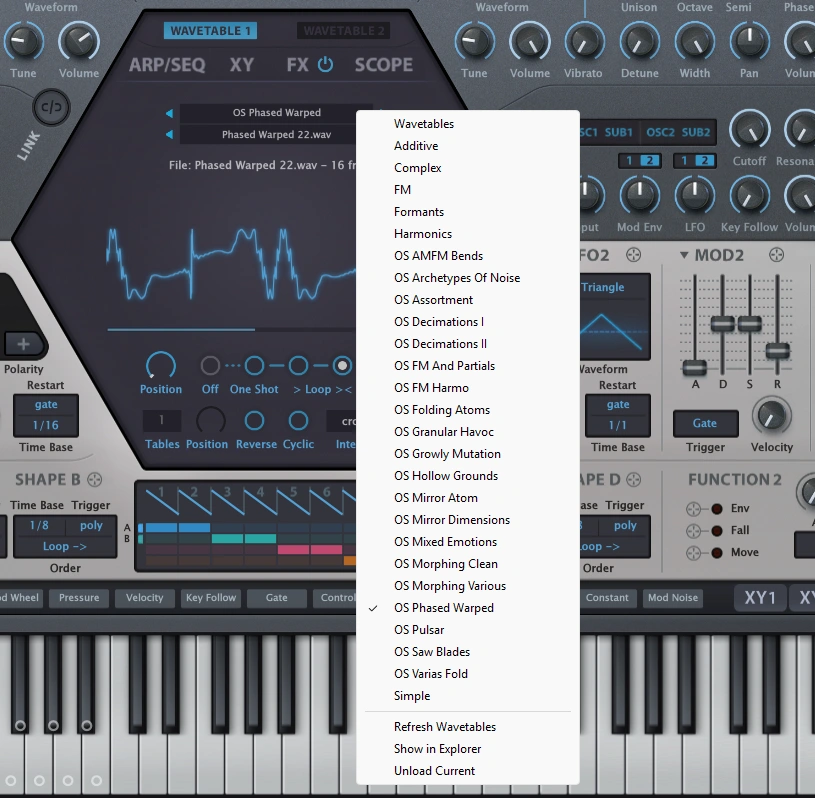
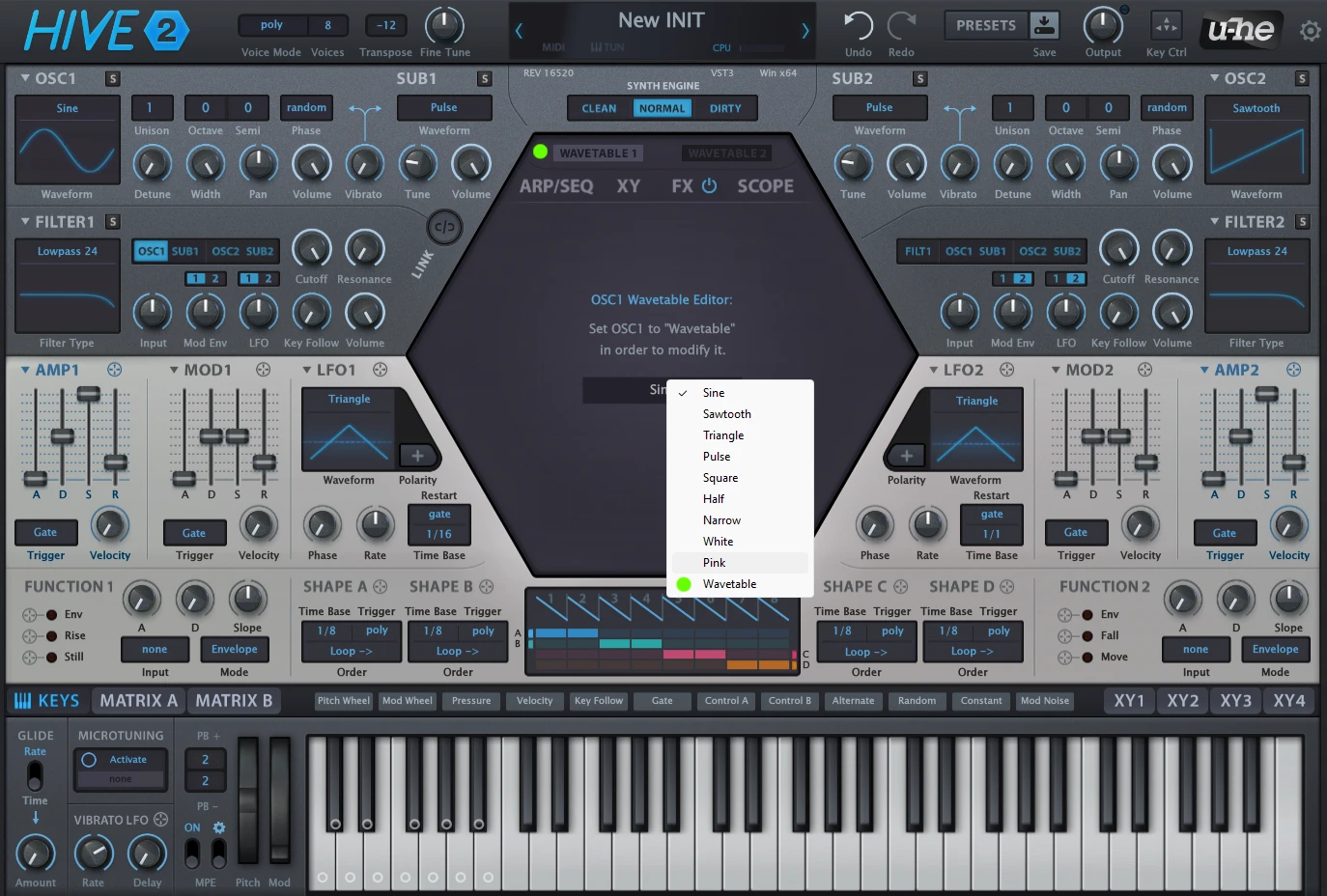
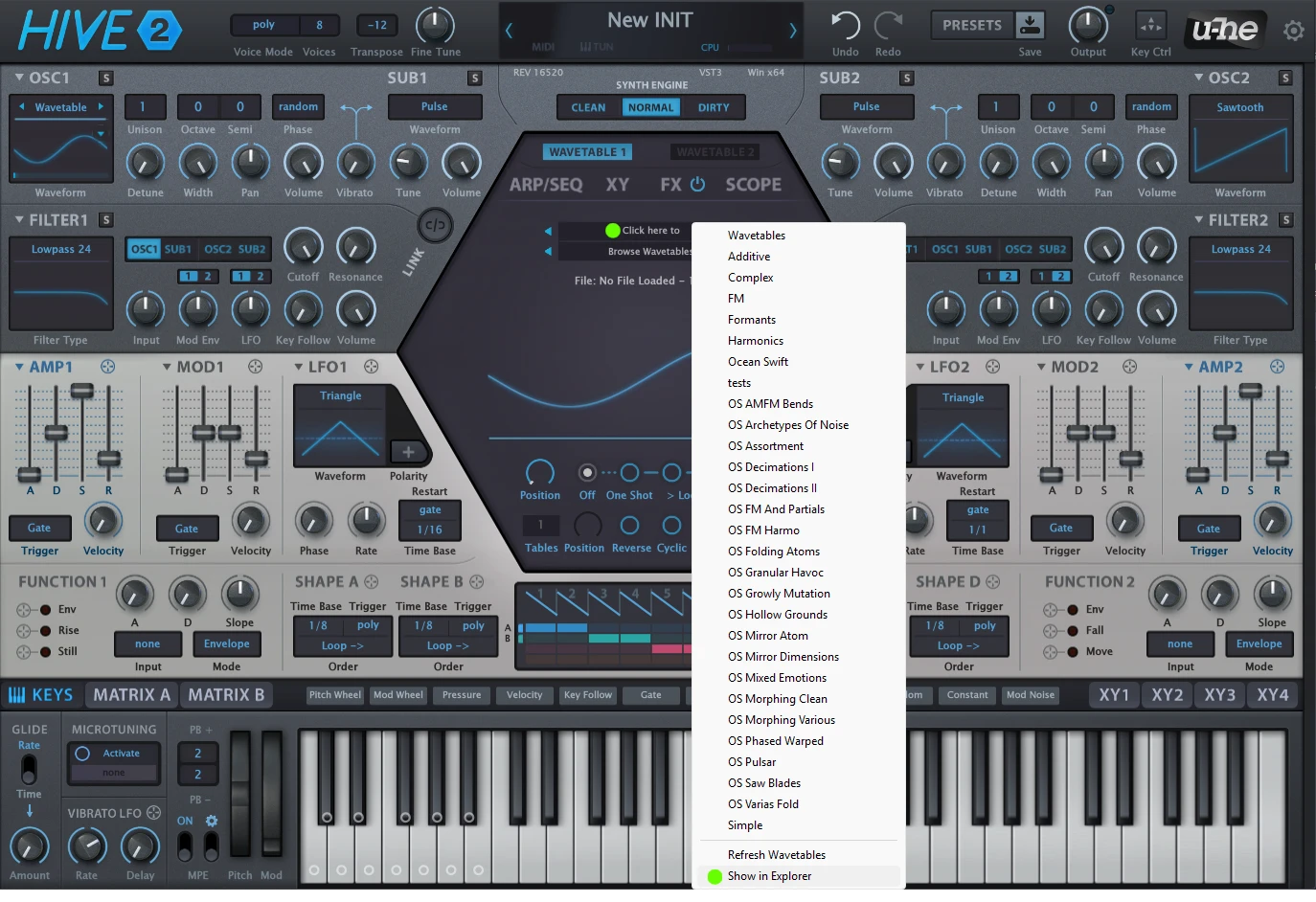
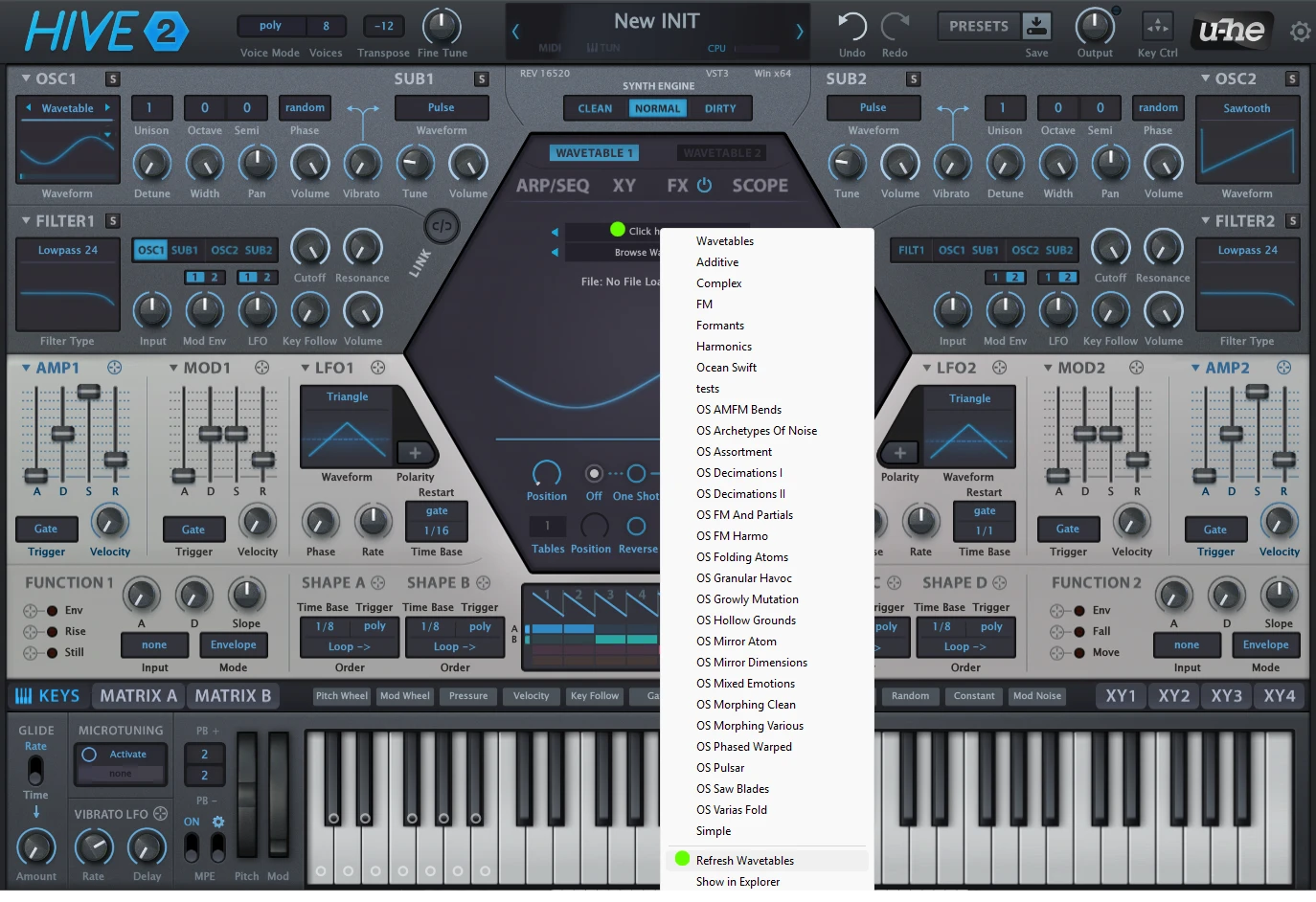
The Hive 2 Wavetable Pack offers 500 creative morphing wavetables specifically designed for the U-he Hive 2 synthesizer.
With a straightforward installation process, this collection significantly enhances the sound design capabilities of this exceptional synthesizer. It ranges from pristine and straightforward morphs to complex granular noise and chaotic textures.
The Sub Sonics sound bank for the u-he Hive 2 synthesizer offers an extensive collection of distinctive melodies, immersive ambiences, lush pads, basslines, sequences, and arpeggios. It explores a diverse range of tones and genres,…
Hive Tronics brings 160 modern and retro electronic presets for u-He Hive 2 synthesizer. A significant collection of groovy arpeggios, polyphonic and monophonic sequences, robust analog and wavetable basses, innovative leads and chord hits –…
Under Hive is an extensive soundbank meticulously crafted for the U-he Hive 2 synthesizer. It features a collection of 150 captivating presets that delve into serene and immersive sonic landscapes of Hive 2. From wobbly…
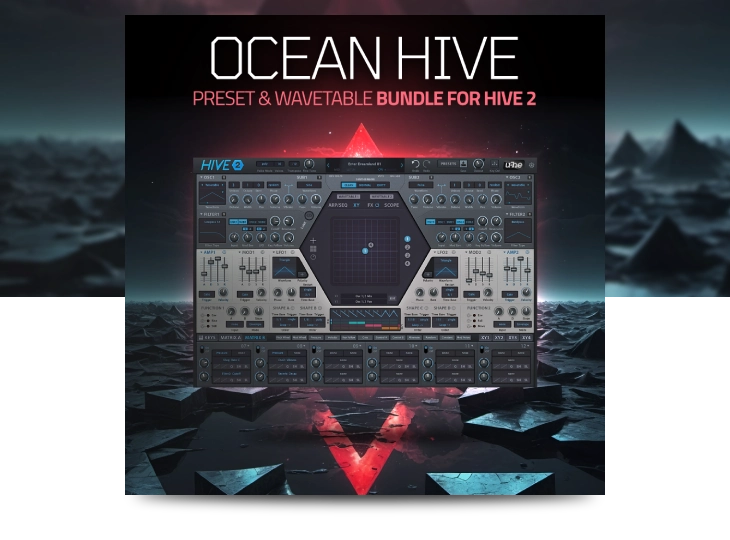
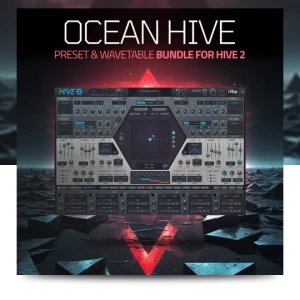
Ocean Hive Bundle offers a wide range of high-quality Hive 2 presets and wavetables. This collection hosts all our content for Hive 2 synthesizer, featuring 3 sound banks and 1 wavetable pack with over over…