
Ocean Swift’s Wave Editor – Offers studio-grade processing without bloat and unnecessary features.
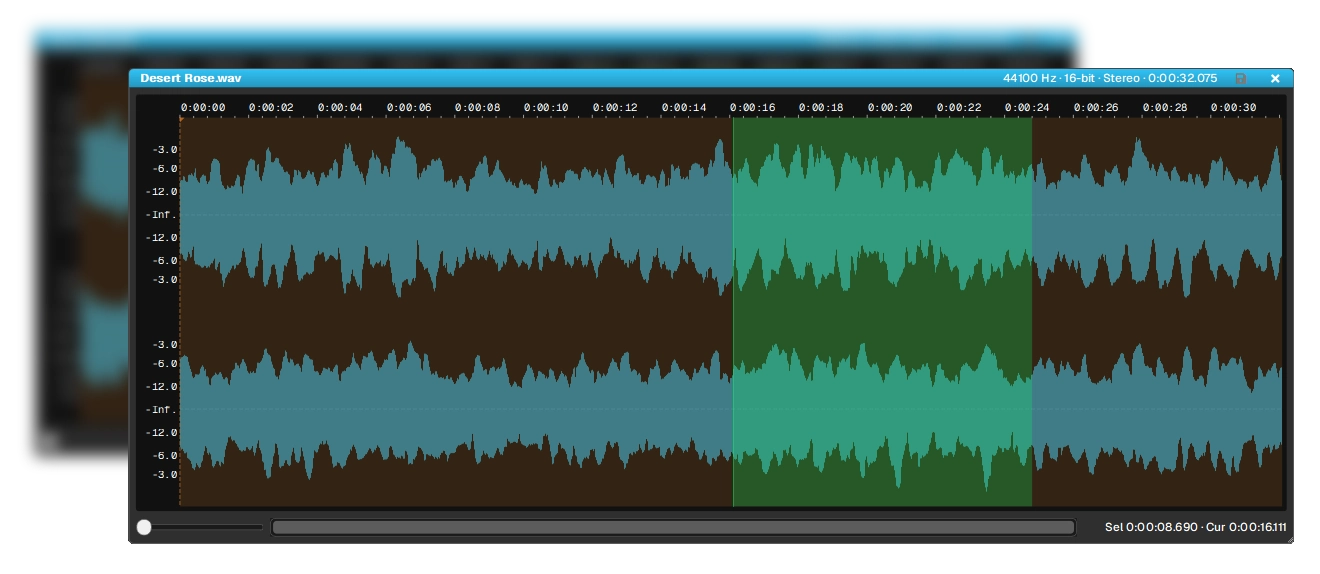
Wave Editor is a standalone audio editor for Windows and Apple Silicon, built around a simple idea: the tool should disappear and leave you with the audio.
It gives you two ways to work, and switching is instant. Canvas mode lays every open file out on one workspace – compare takes, drag a selection from one file to create another, keep an entire session visible at once. Focus mode hands the whole window to a single file, with open files as tabs across the top.
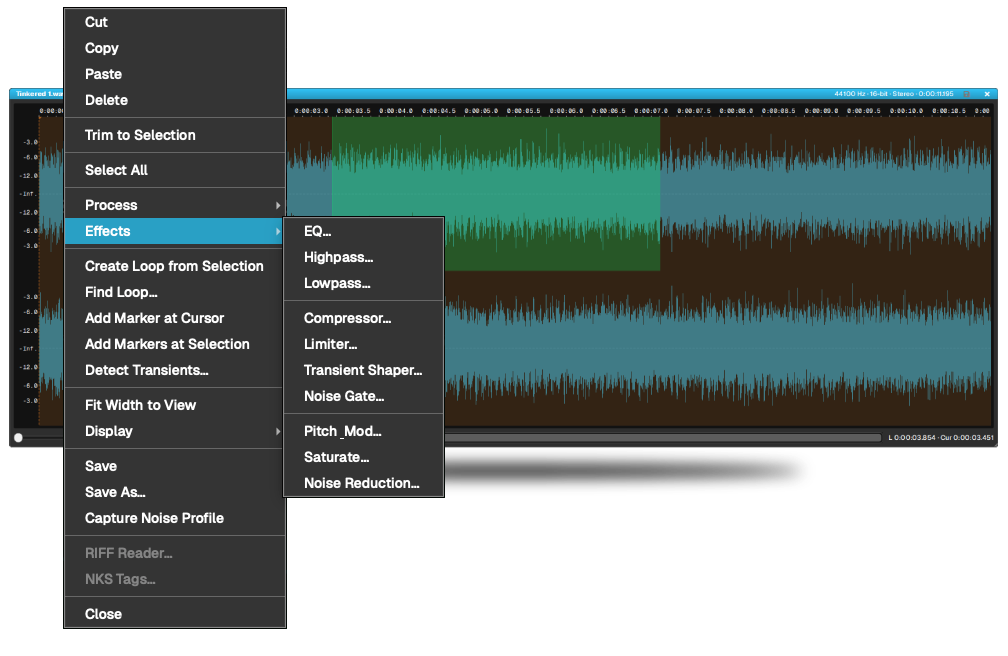
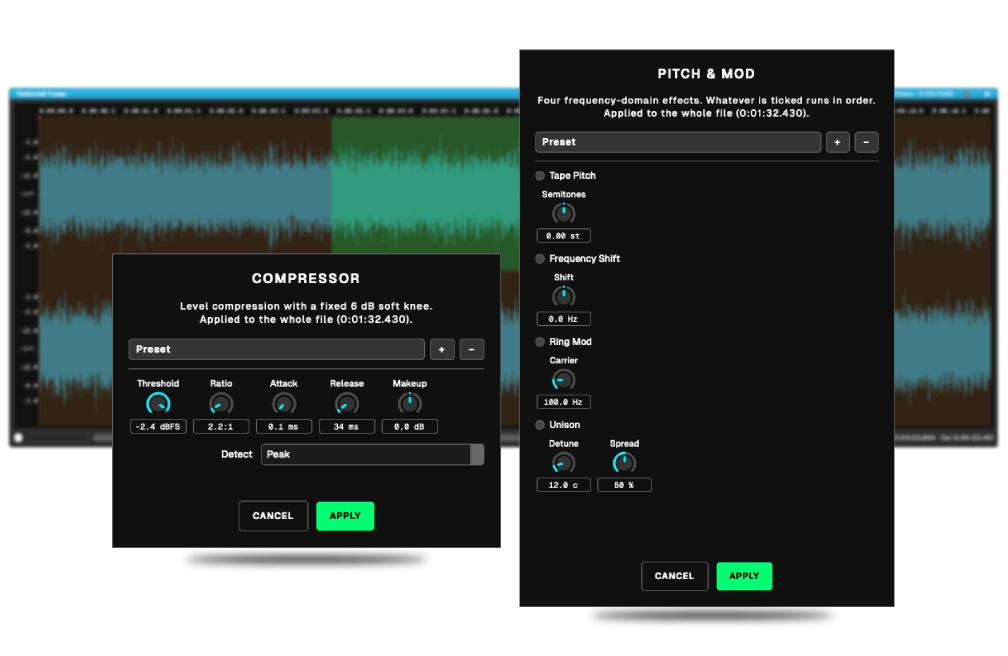
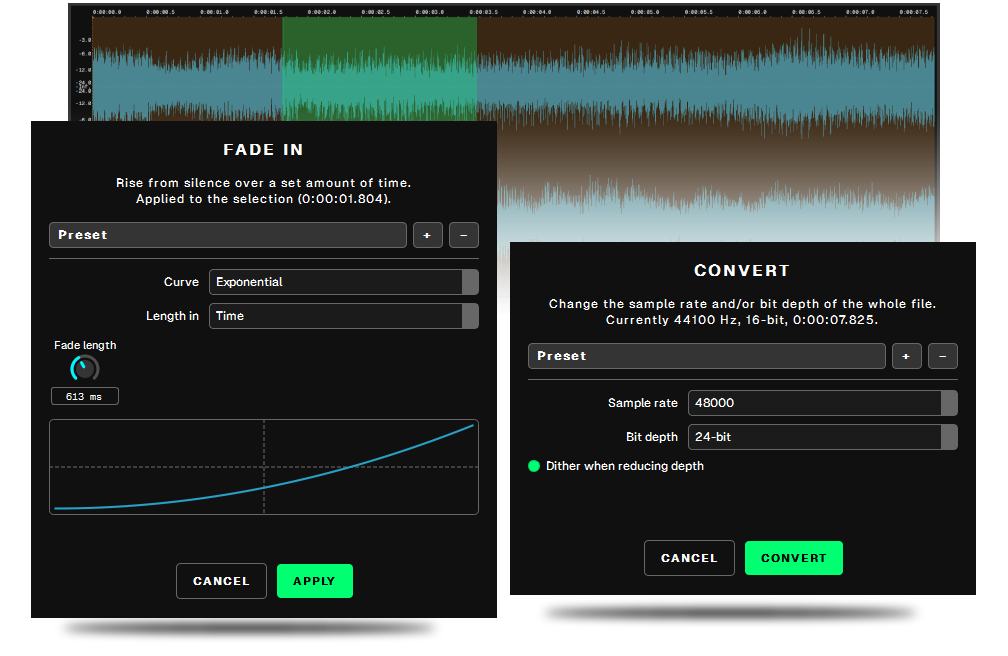
The processing is Ocean Swift’s own DSP, the same code that runs in DevOcean Modular and the Sound Creator Suite. Tone shaping, dynamics, character and repair, alongside the everyday work of gain, fades, phase, silence and format conversion. It is a growing library, and it grows from a platform that has been under development for years.
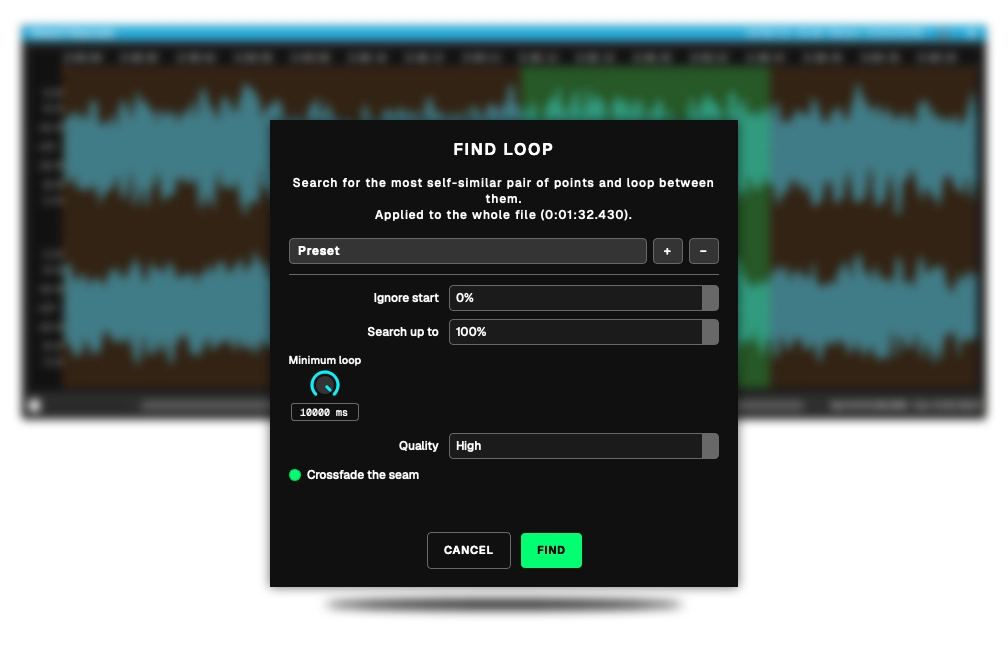
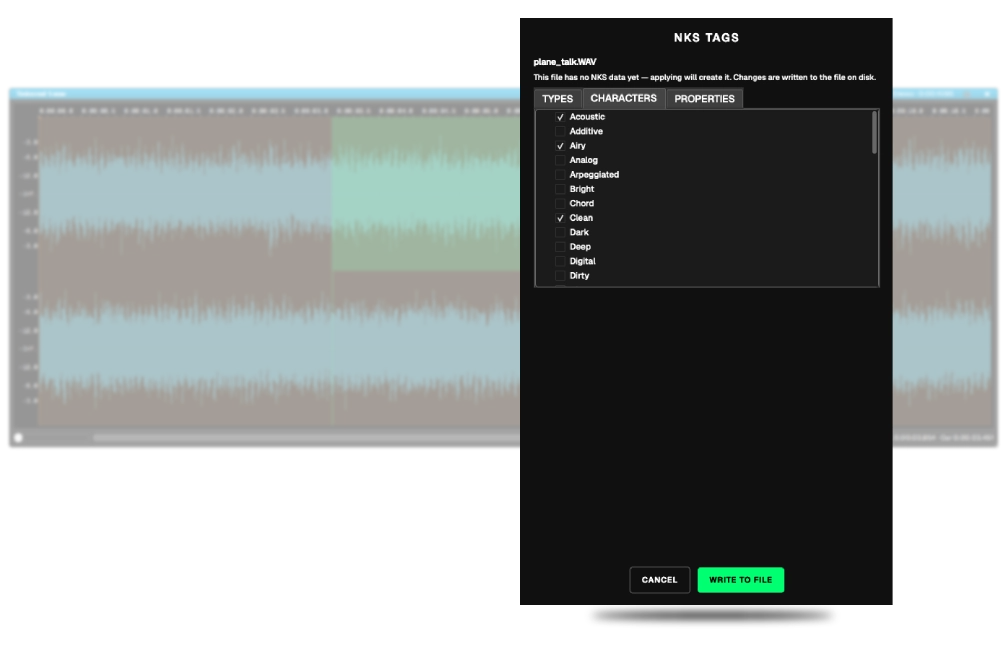
Every effect can be applied to one channel or both. Loop points can be found automatically, snapped to zero crossings, and crossfaded so they stop clicking. Files carry their RIFF metadata and NKS tags intact.
Original price was: 100.00 €.39.99 €Current price is: 39.99 €.
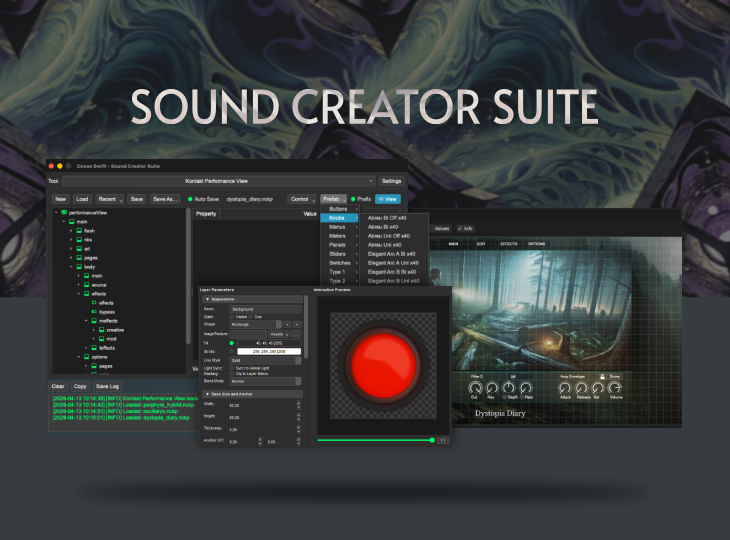
Sound Creator Suite is the definitive, all-in-one desktop environment for advanced sound-design and virtual instrument development workflows. Serving as a robust, centralized host, this suite equips producers and developers with an unparalleled arsenal of specialized…
Dev Ocean Modular is a fast forward modular synthesis and sound design environment — an infinite canvas where a single idea can grow into an entire instrument. Start with two cables and a hum. Follow…