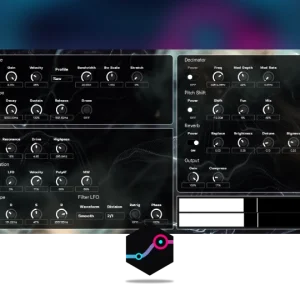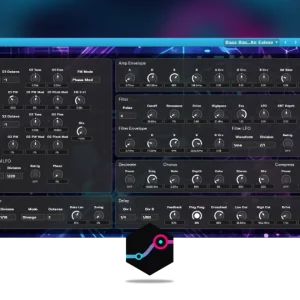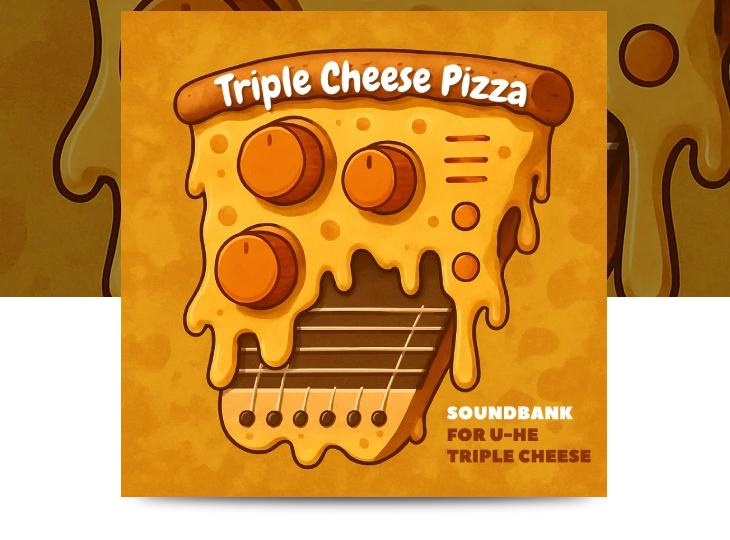


Triple Cheese Pizza for u-he Triple Cheese - Main features
- 50 Presets
- Exploring the Weird, the Plucky and the unpredictable
- Full NKS support
- 50 Presets delivered in .h2p and .nksf
- Plucky keys, splattering leads, strange basses, swirly pads and a handful of odd sound effects
- NKS support, including audio previews when hosted in Maschine or Komplete Kontrol
Installation:
Plugin Presets:
– Launch Triple Cheese in your DAW.
– In the Triple Cheese interface navigate to the “Presets” tab.
– Select any factory preset, right click on it and select “Show in Finder/Explorer”
– The preset location will be shown in your file system. You may need to navigate one folder above in order to be in the Triple Cheese presets base folder.
– Copy the downloaded “Ocean Swift – Triple Cheese Pizza” folder from the “Plugin Presets” folder to the Triple Cheese factory content folder so that it is placed next to all the other factory presets.
– If the presets aren’t immediately shown in the Triple Cheese plugin browser, reload the plugin.
NKS Presets:
– Locate the Native Instruments “User Content” folder. This folder is located by default inside your main Documents folder within the Native Instruments folder found there.
– Copy the downloaded “TripleCheese” folder from the “NKS” folder to the Native Instruments “User Content” folder
– In Maschine or Komplete Kontrol navigate to Settings->Library->User and click the “Rescan” button
*No exterior processing is applied, the presets sound as is.
*No exterior processing is applied, the presets sound as is.
Full NKS support
NKS support, including audio previews when hosted in Maschine or Komplete Kontrol.
“In fields of cheese where filters comb,
We sliced up tones far from home.
With plucks that splatter, bass that creeps,
And echoes born from synthy deeps.
A pizza served on detuned strings,
A taste of odd and plucky things.“