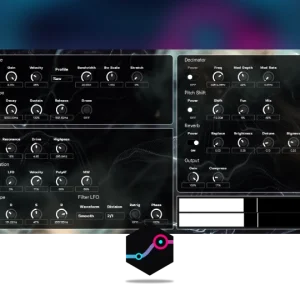


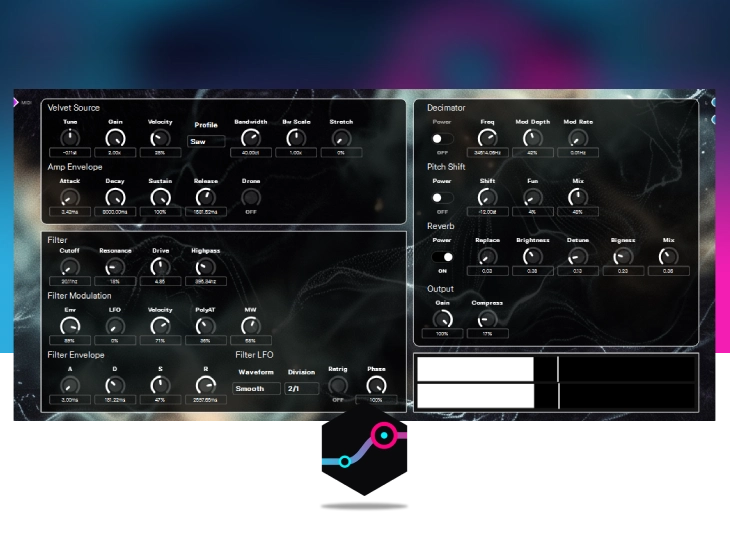
A dedicated synthesizer module for DevOcean Modular, engineered specifically for generating sweeping, atmospheric pad textures.
The core oscillator is built on a custom implementation of Paul Nasca’s renowned PADsynth algorithm. Showcasing open-source DSP integration, the module also features a pitch shifter ported from the DaisySP repository, alongside a compressor and reverb ported from Air Windows. It includes over 50 presets to provide an immediate starting point for your patches.
Original price was: 15.00 €.7.99 €Current price is: 7.99 €.

DevOcean Modular is a modular synthesis and sound-design environment, along with everything you need to carry its sounds into your music. At its heart is an infinite canvas where a single idea can grow into…
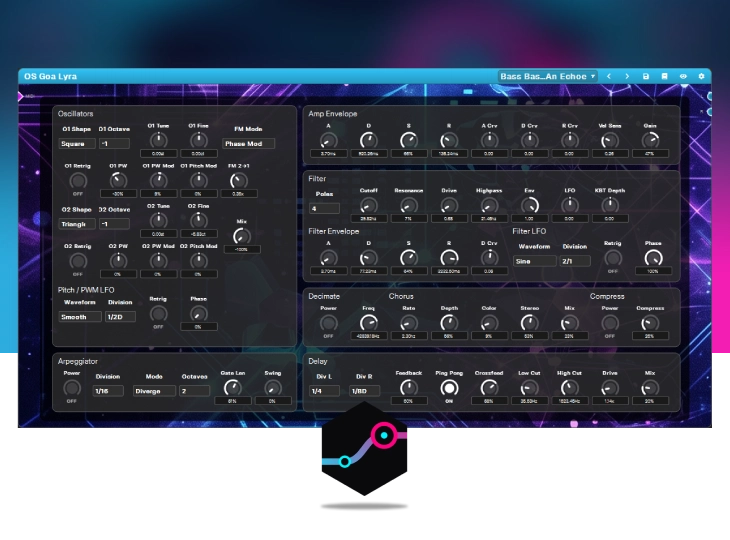
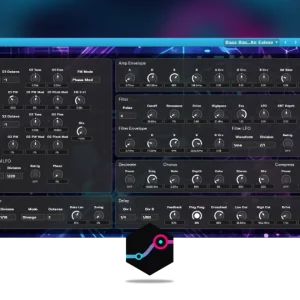
Goa Lyra is a virtual analog synthesizer module designed for DevOcean Modular. Built to capture the architectural style and sonic character of classic VA synths from the 90s and early 2000s, it provides a comprehensive…
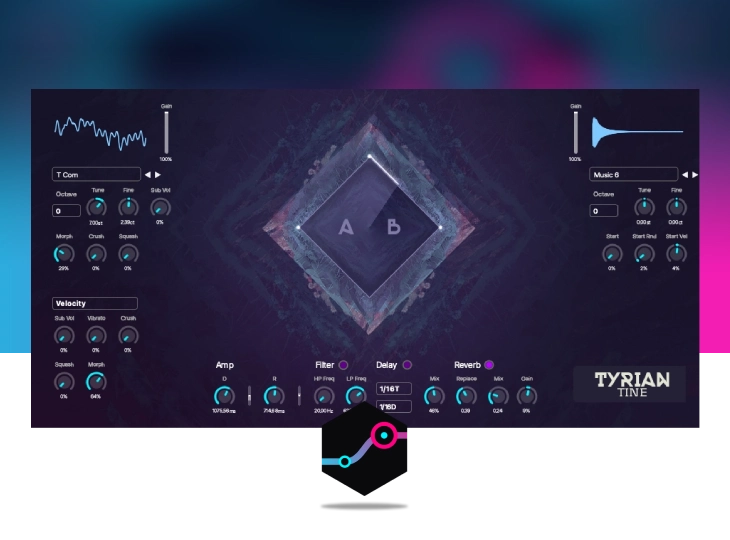
Tyrian Tine returns. Originally celebrated for its effortless approach to randomized wavetable synthesis, this simple little instrument has been entirely rebuilt and reimagined for a new era of modular sound design. Tyrian Tine is more…