We use cookies to ensure that we give you the best experience on our website.
Ocean Wave
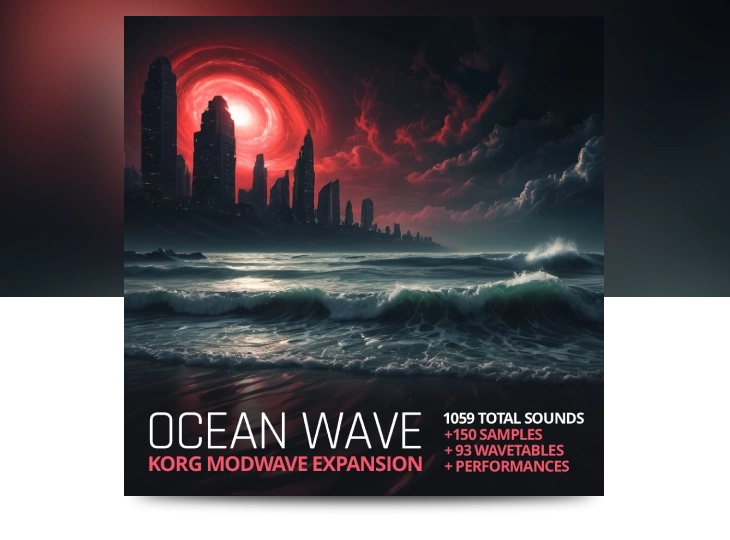
With Ocean Wave installed, your Modwave becomes an entirely new beast. This is a monumental expansion for the Korg Modwave, blending Ocean Swift’s signature sound design directly into the heart of this incredibly deep wavetable and sampler hybrid synth engine.
The Ocean Swift touch envelops the instrument, propelling it into bold, unexplored sonic territory.
Aside from the presets, the expansion is packed with raw sonic material. Ocean Wave comes loaded with 150 carefully crafted oscillator style and one-shot samples and 93 wavetables.
These elements have been hand-picked to maximize impact, giving you gritty textures, deep atmospheres, and cutting transients to build your patches from the ground up.
+242 Performances: Instantly playable, multi-layered sounds that take full advantage of the Modwave engine.
+356 Programs: Unique elements ready to be swapped, layered, and reshaped.
+93 Wavetables: Custom wavetables that push the morphing capabilities of the synth to its absolute limits.
+150 Samples: Oscillators, textures, one-shots and oddities.
+157 FX Presets: Instantly dial in the perfect atmosphere or rhythmic delay.
Modular Elements: Dozens of sequencer lanes, motion lanes, and Kaoss physics setups to inject movement and life into your tracks.
Total Size: 800MB Sample Set - 65MB Presets Bundle - 27MB NKS Presets
Highlights:
Compatible with Modwave Mk1, Mk2, and Modwave Native
Massive sonic range - leads, drones, pads, textures, FX, arps, ambiences, and more Pushes the Modwave’s modulation, layering, and synthesis to new depths
Designed for fast inspiration and deep exploration - from studio to stage
Full NKS compatibility for Modwave Native - All the performances are also available as NKS presets with extensive tagging, audio previews and our own clean, performance and accessibility minded NKS parameter layout
Installing the Ocean Wave Bundle entails installing both the samples collection and the presets collection.
Note: In the Modwave paradigm, the included wavetables are part of the presets installation.
Installing The Samples
Place the downloaded “Ocean Wave.korgcompiledbank” file anywhere on your drive.
Launch Modwave Native in standalone or as a plugin within a DAW.
In the top right corner click the three vertical dots to enter the options menu.
In the options menu, select “User Sample Banks…”.
In the dialog that opens, point to the folder where the “Ocean Wave.korgcompiledbank” file is located.
Installing The Presets
Launch Modwave Native in standalone or as a plugin within a DAW.
In the Modwave top menu, navigate to the Librarian tab.
In the top right corner click the three vertical dots to enter the options menu.
In the options menu, select “Import…”.
In the dialog that opens, select the downloaded “Ocean Swift Ocean Wave Presets.mwbundle” file.
Installing The NKS Presets
From inside the downloaded “NKS” folder, copy the “modwave native” folder exactly as it is to the Native Instruments user content folder. By default, the Native Instruments folder itself is located in the computer’s main documents folder. You may need to rescan the user content in Maschine/KK in order for the presets to appear in the browser.
Connect your Modwave hardware to the computer and turn it on.
Launch the Sample Builder application.
In the Sampler Builder operating system top bar navigation menu, select “File”.
In the “File” menu, select “Open Bank…”.
In the dialog that opens, select the downloaded “Ocean Wave.korgbank”.
If your Modwave is connected and recognized, the “Send Bank” button on the right side of the Sample Builder application should be clickable.
Click the “Send Bank” button
The transfer will continue, do not turn off the Modwave or otherwise interrupt the transfer until completion.
Installing The Presets
Connect your Modwave hardware to the computer and turn it on.
Launch the Modwave Editor Librarian application.
In the Modwave Editor Librarian operating system top bar navigation menu, select “Import”.
In the dialog that opens, select the downloaded
“Ocean Swift Ocean Wave Presets.mwbundle” file.
The transfer will continue, do not turn off the Modwave or otherwise interrupt the transfer until completion.
Download installation instructions
Far beyond a preset or sample pack, Ocean Wave is a complete expansion for Korg Modwave
Take a deep dive and turn your Modwave into a tidal wave.
Immersive yourself in a selection of carefully created looping and evolving sampled oscillators, alongside clean or gritty morphing wavetables, performances, programs, effect presets & more – ready for instant creativity and inspiration.
Ocean Wave is developed with the same care and quality has our Korg Wavestate expansion, Absynth 6 factory sounds and custom expansions, Spectral Oscillators Series and many others.
1059 total presets and sounds
Opening up a universe of building blocks for sound exploration – that’s fully compatible with Modwave Mk1, Mk2 hardware and Modwave Native.
NKS support
All the performances are also available as NKS presets with extensive tagging, audio previews and our own clean, performance and accessibility minded NKS parameter layout.
The only limit is your imagination
Huge, accessible sound design toolkit
Beyond the detailed, instantly playable performances, this collection also opens up a universe of building blocks for sound exploration.
Each program, wave sequence, lane, effects preset, and sample functions as a unique piece in the Modwave’s intricate puzzle – elements that can be swapped, layered, and re-shaped to reveal entirely new sonic pictures.
Whether you’re crafting fresh performances from the ground up or mutating existing ones, these modular components empower you to bend the modwave engine to your imagination, turning every tweak into a new creative discovery.
Explore an extensive library of samples, presets and performances
Create a world of sound
Whether you’re layering evolving drones, working on cinematic sound design or compositions, producing music for your next album or live performance – Ocean Wave expansion offers an inspiring toolkit for building truly rich and immersive worlds.
This expansion brings an impressive array of content for Korg Modwave – This is not just another preset pack.
Ocean Wave is Compatible with Korg Modwave Mk1, Mk2, and Modwave Native
Take advantage of this oportunity and push the Korg Modwave to new heights!
Whenever possible, we employ tagging systems, macros, and comments to maintain an organized content structure, ensuring you can locate the sounds you need more efficiently.
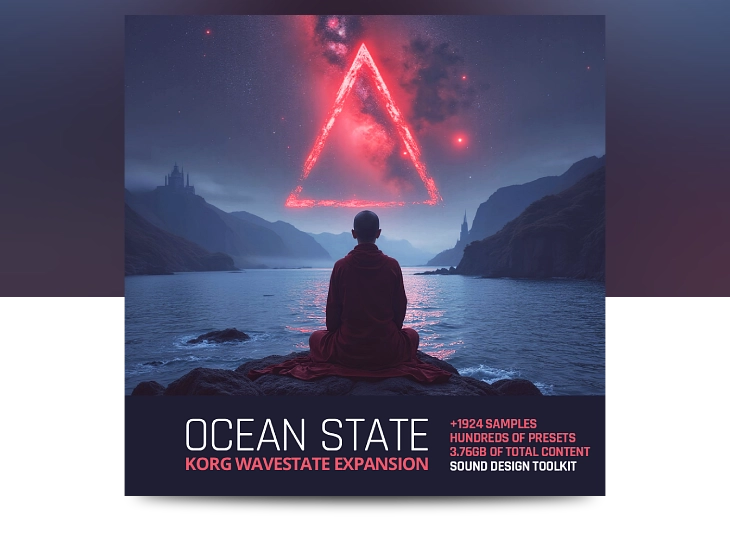
An epic monumental Korg Wavestate expansion, blending Ocean Swift’s signature sound design into the heart of this stunningly deep synth engine. With this massive collection of samples and presets, it’s as if the Wavestate has…
An epic monumental Korg Wavestate expansion, blending Ocean Swift’s signature sound design into the heart of this stunningly deep synth engine.
With this massive collection of samples and presets, it’s as if the Wavestate has been reborn – the Ocean Swift touch envelops the instrument and propels it into bold, unexplored cinematic sonic territory with detailed exploration and charm.
Korg Wavestate Expansion - Featuring:
1924 Carefully selected samples
Perfectly looping samples
Expertly crafted sounds: covering every Wavestate engine section
+1600 total Programs, Performances, Wave Sequences, Lanes, and Effects presets - All included
Massive sonic range: Leads, drones, pads, textures, FX, arps, ambiences, and more
Pushing the Korg Wavestate to new heights: Elaborate modulation, layering, and vector synthesis to new depths
Compatible with Wavestate Mk1, Mk2, and Wavestate Native
Full NKS compatibility for Wavestate Native: Inspiring controller mapping, tags and audio previews
An epic monumental Korg Wavestate expansion, blending Ocean Swift’s signature sound design into the heart of this stunningly deep synth engine. With this massive collection of samples and presets, it’s as if the Wavestate has…
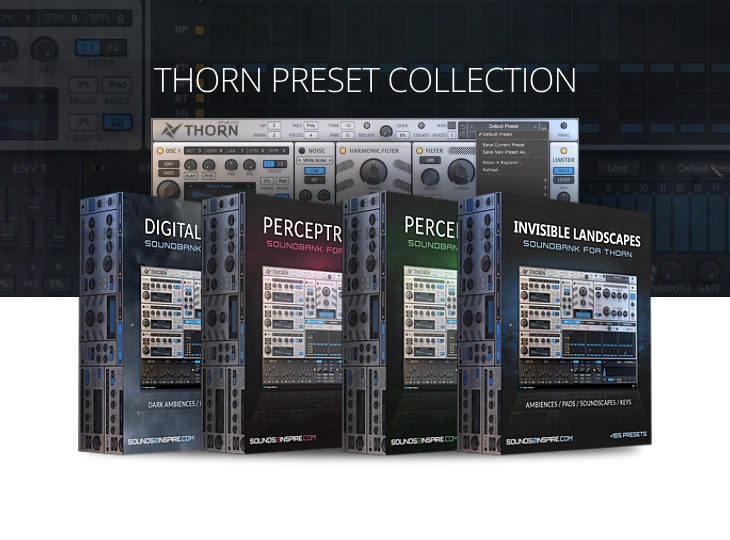
An extensive collection of presets for the DS Thorn synthesizer – offering 4 sound sets with a total of +700 high quality presets. Four one-of-a-kind sound sets exploring different sonic moods and atmospheres. From the…
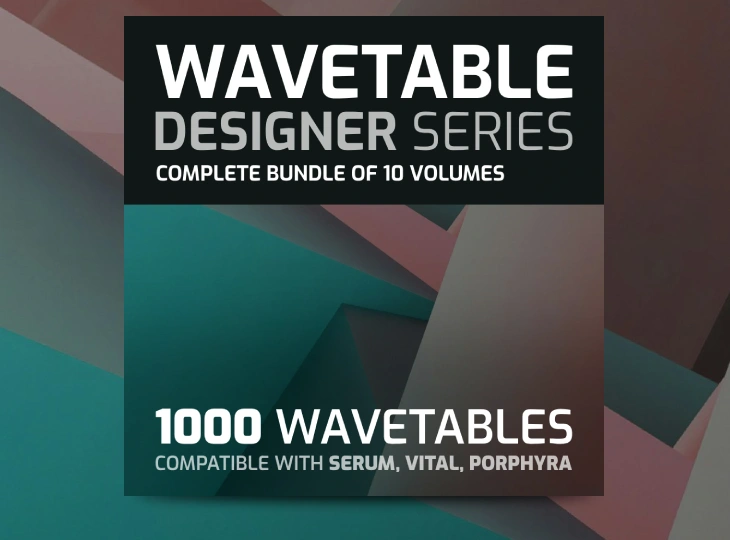
Wavetable Designer Series offers 1000 unique, high-quality morphing wavetables meticulously crafted using the Ocean Swift Wavetable Creator. These packs are designed to provide musicians, producers, and sound designers with a broad palette of sonic textures…
50.00 €Original price was: 50.00 €.14.99 €Current price is: 14.99 €.Add to cart
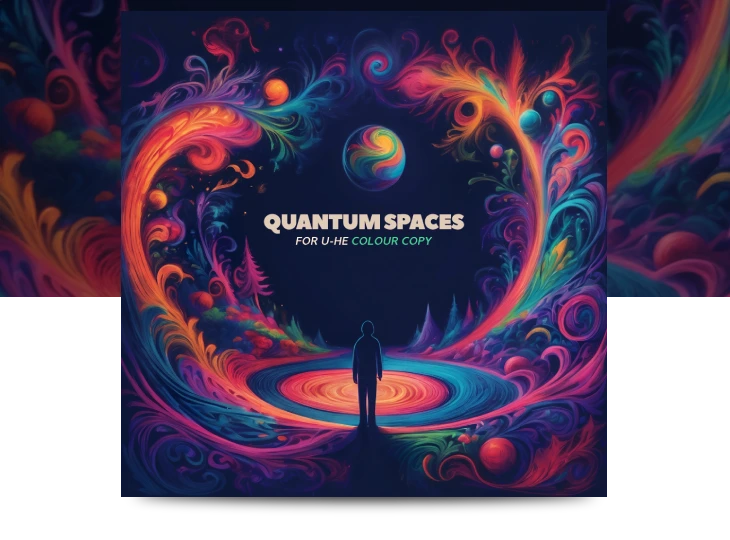
Quantum Spaces brings you over 50 delay, reverb and creative processing presets for u-he Colour Copy “Bucket Brigade Delay”. Exploring rich textures and dynamic timbres that will enhance your productions and mixes, spark new ideas…
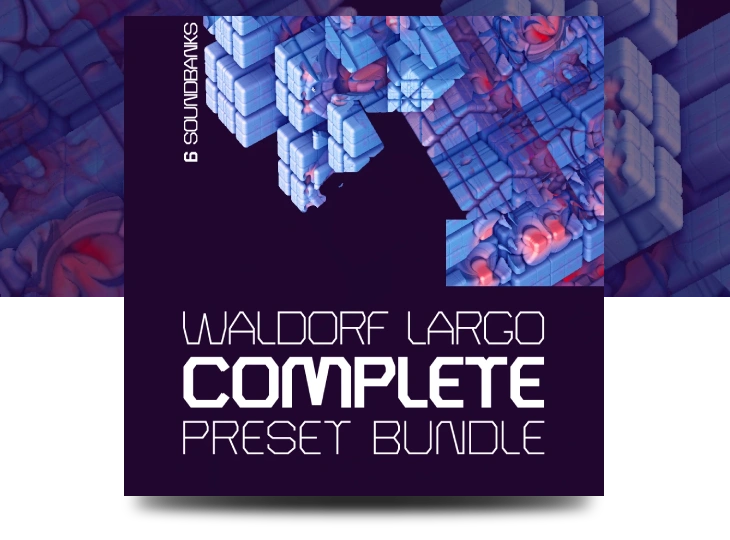
The Waldorf Largo Complete Preset Bundle offers 6 expertly crafted sound banks, boasting over 700 presets that push the boundaries of this synthesizer to new heights. Explore a vast universe of sounds with this one…
Faxi Homecoming Wavetable Stash includes 200 high quality delicate morphing wavetables. Created in a unique fashion, using an in-house experimental application developed with ChatGPT. The wavetables and the final product were created LIVE on air…
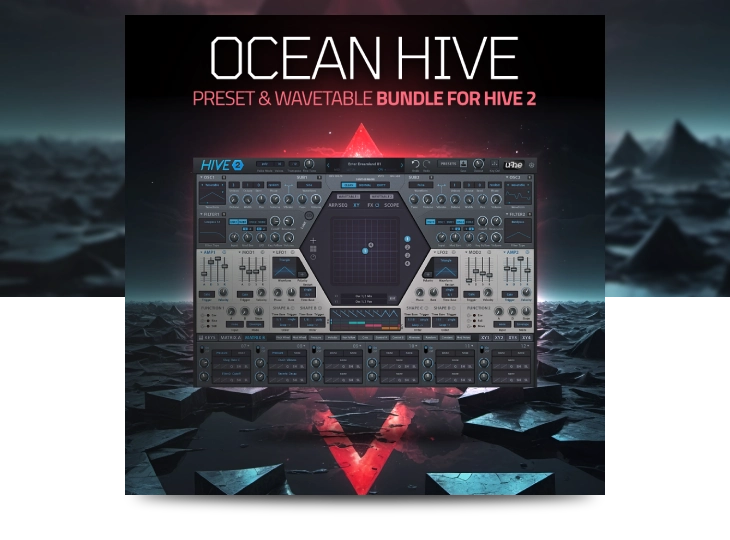
Ocean Hive Bundle offers a wide range of high-quality Hive 2 presets and wavetables. This collection hosts all our content for Hive 2 synthesizer, featuring 3 sound banks and 1 wavetable pack with over over…
75.00 €Original price was: 75.00 €.29.99 €Current price is: 29.99 €.Add to cart
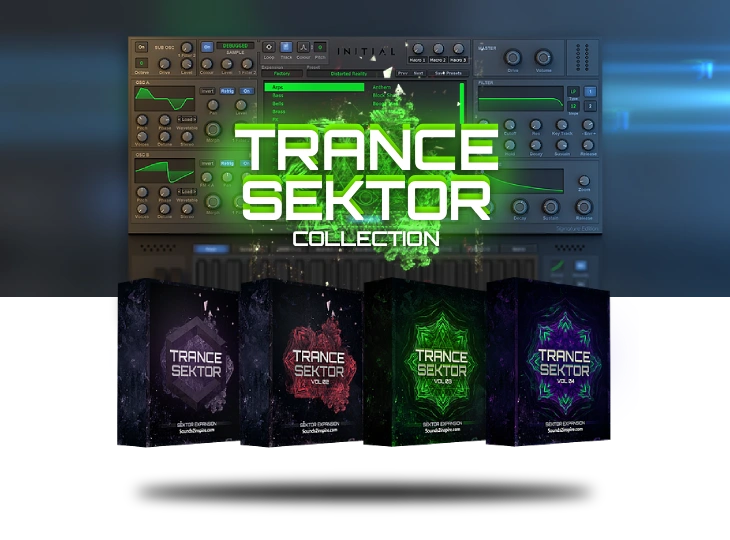
Trance Sektor is a collection of 4 sound banks with +640 curated trance presets and sounds made for Initial Audio’s Sektor Synthesizer. With 4 soundbanks and over 640 presets Trance Sektor Collection is the ultimate…
An epic monumental Korg Wavestate expansion, blending Ocean Swift’s signature sound design into the heart of this stunningly deep synth engine. With this massive collection of samples and presets, it’s as if the Wavestate has…
All 245 factory Performance presets included with Wavestate Native are rebuilt as proper NKS presets – carefully tagged, previewed, and mapped using the same extensive NKS controller layout found in the acclaimed Ocean State Expansion.…