

Extract the downloaded content anywhere on your computer.
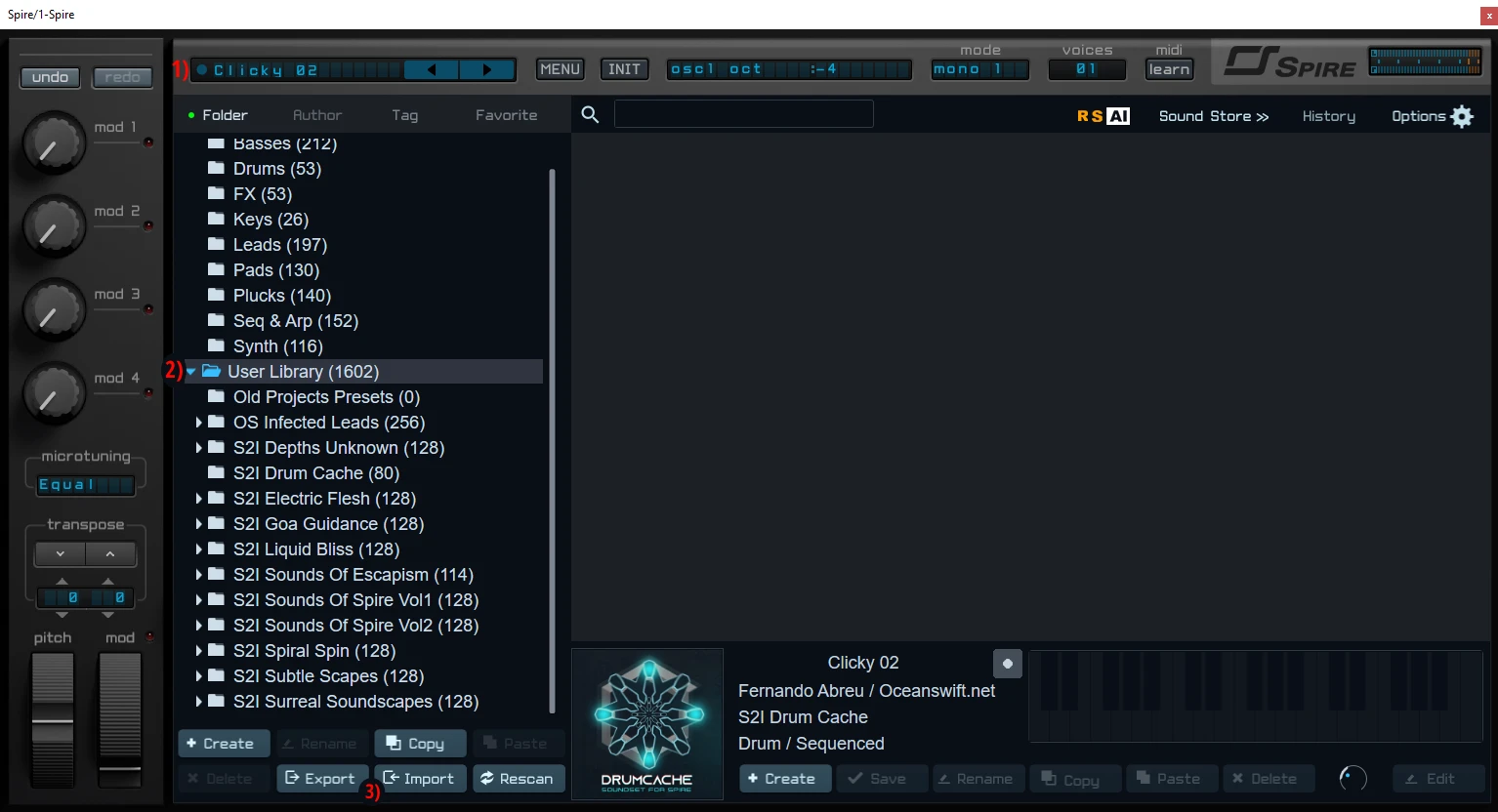
1) Open Spire, click on the upper left bar that displays the Preset name.
2) A interface window will open, select “User Library”.
3) Now click the “Import” button that’s located in the bar bellow, import the “.swzip” file located in
the FOLDER you have previously extracted. After importing the file click the “Rescan” button.
NKS Presets Install:
Inside our downloaded folder, enter “Spire NKS Presets” Folder.
Now Copy the “SPIRE” folder exactly as it is to the Native Instruments user content folder.
By default, the Native Instruments folder itself is located in the computer’s main documents folder. You may need to rescan the user content in Maschine/KK in order for the presets to appear in the browser.
Mac: /Users/user.name/Documents/Native Instruments/User Content/
Windows: C:\Users\Admin\Documents\Native Instruments\User Content\
-

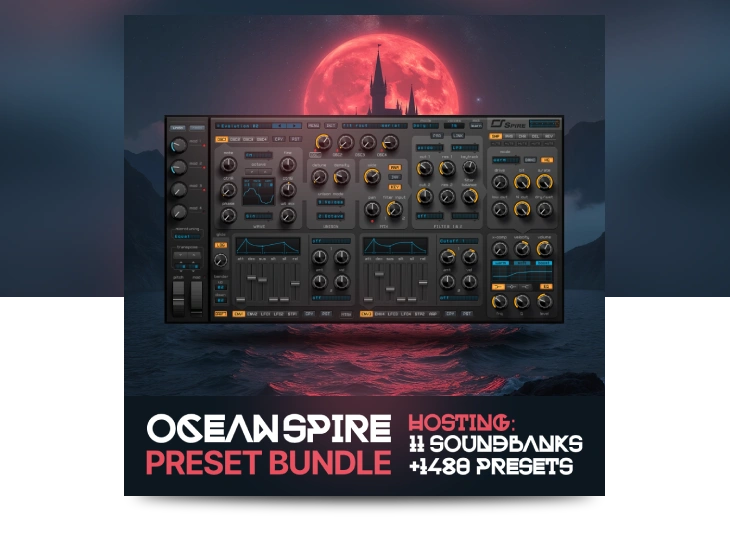
Ocean Spire
Ocean Spire presents an enchanting compilation of all our sound banks for the Spire synthesizer. Dive into an exceptional array of 11 premium banks, featuring over 1,480 presets that span a wide range of genres…